
Saltire Awards Objects
Introduction
Five new Saltire Awards objects were added to Milo in March 2020 to receive information submitted by young volunteers and group admins using the new Saltire Awards website.
Accessing the Saltire Awards app
You can access the new Saltire objects in either Salesforce Classic or Lightning, but in Lightning, the easiest way to manage all Saltire objects is by using the bespoke Saltire Awards app.
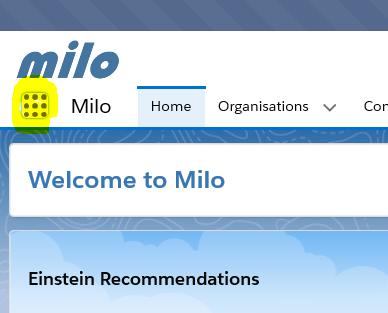
To access this app, click on the icon on the top left of the screen that shows a square with 9 dots, and then ‘View All’.
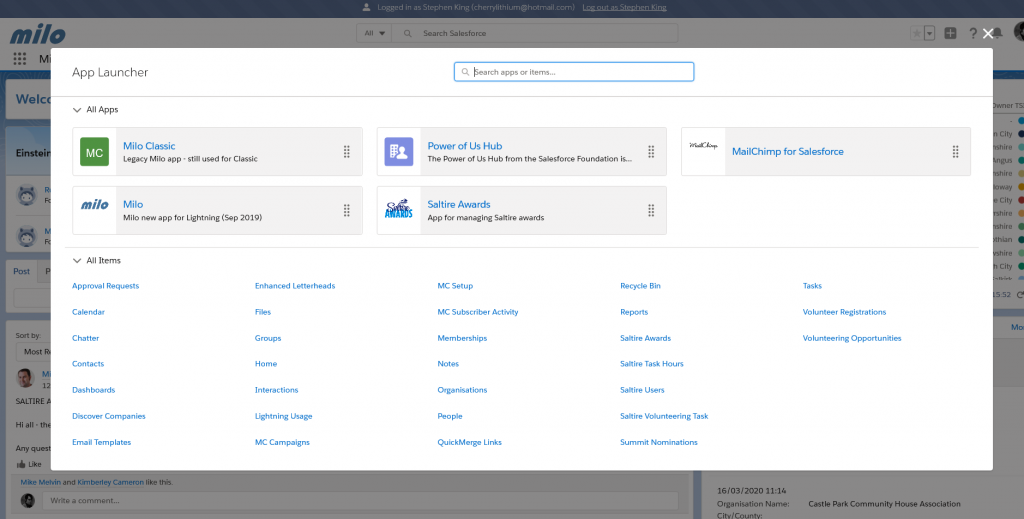
Then select the Saltire Awards app from the App Launcher, and the app will open.
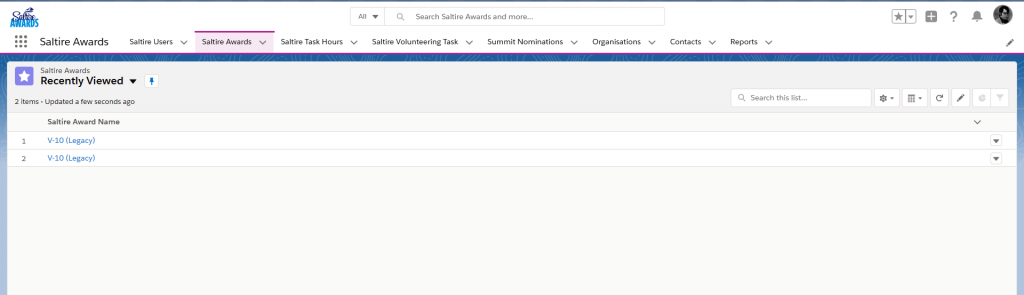
You should see Saltire related objects like Saltire Users, Saltire Awards etc. on your navigation bar.
Saltire Website
Young volunteers and hosting organisations can register and manage their accounts on the Saltire website. You can view short video walk-throughs for each type of user here:
Saltire Object modules
You can also view the process of logging in and managing records on Milo in this Milo user video walk-through.
Modules on accessing each of the new Saltire Awards modules are available here:
Thanks for your comment